scroll
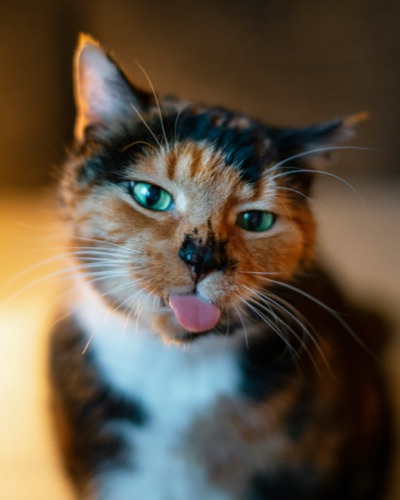 REAL
REAL AI
AI AI
AI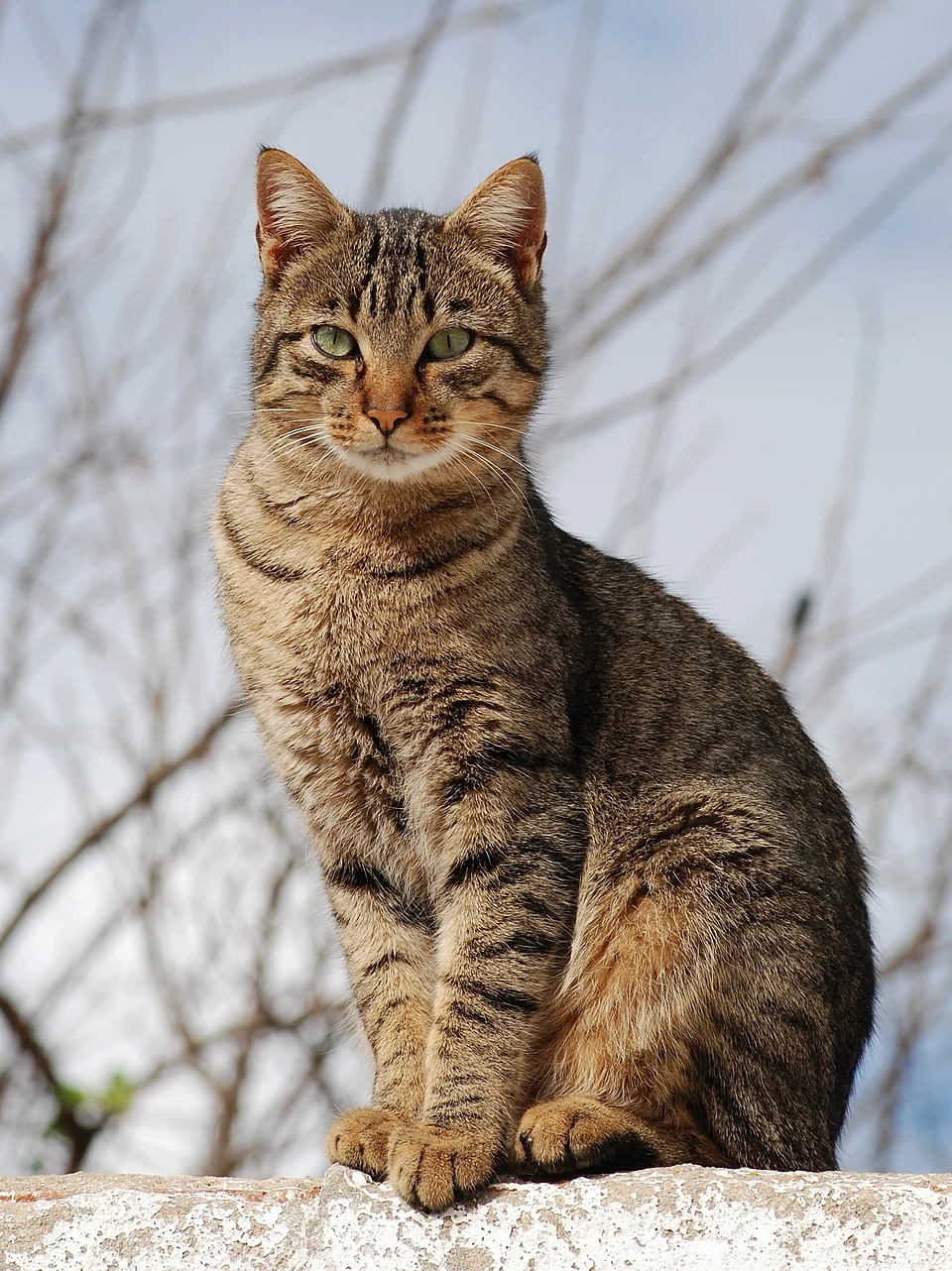 REAL
REAL AI
AI AI
AI REAL
REAL AI
AI REAL
REAL AI
AI REAL
REAL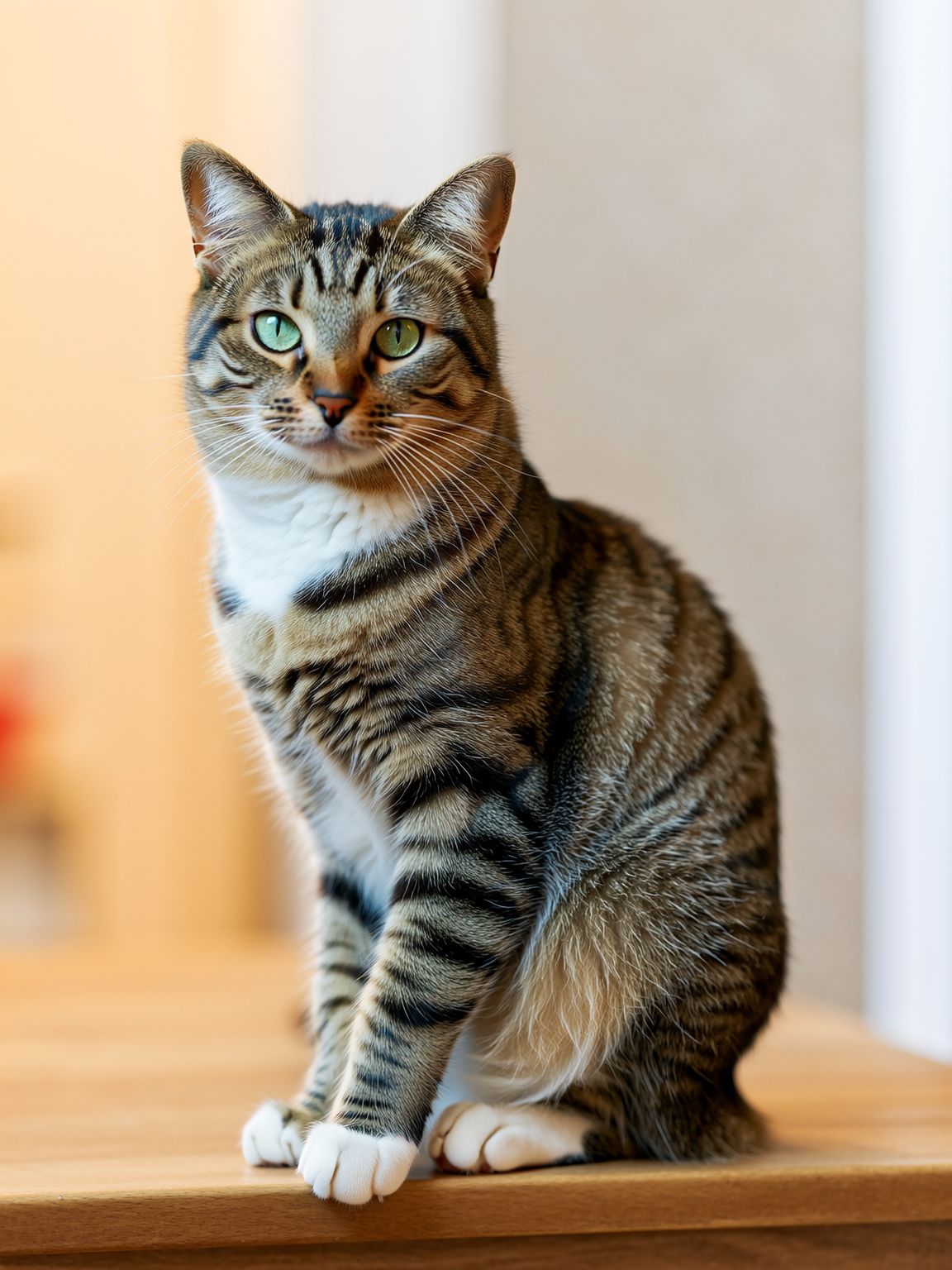 AI
AI REAL
REAL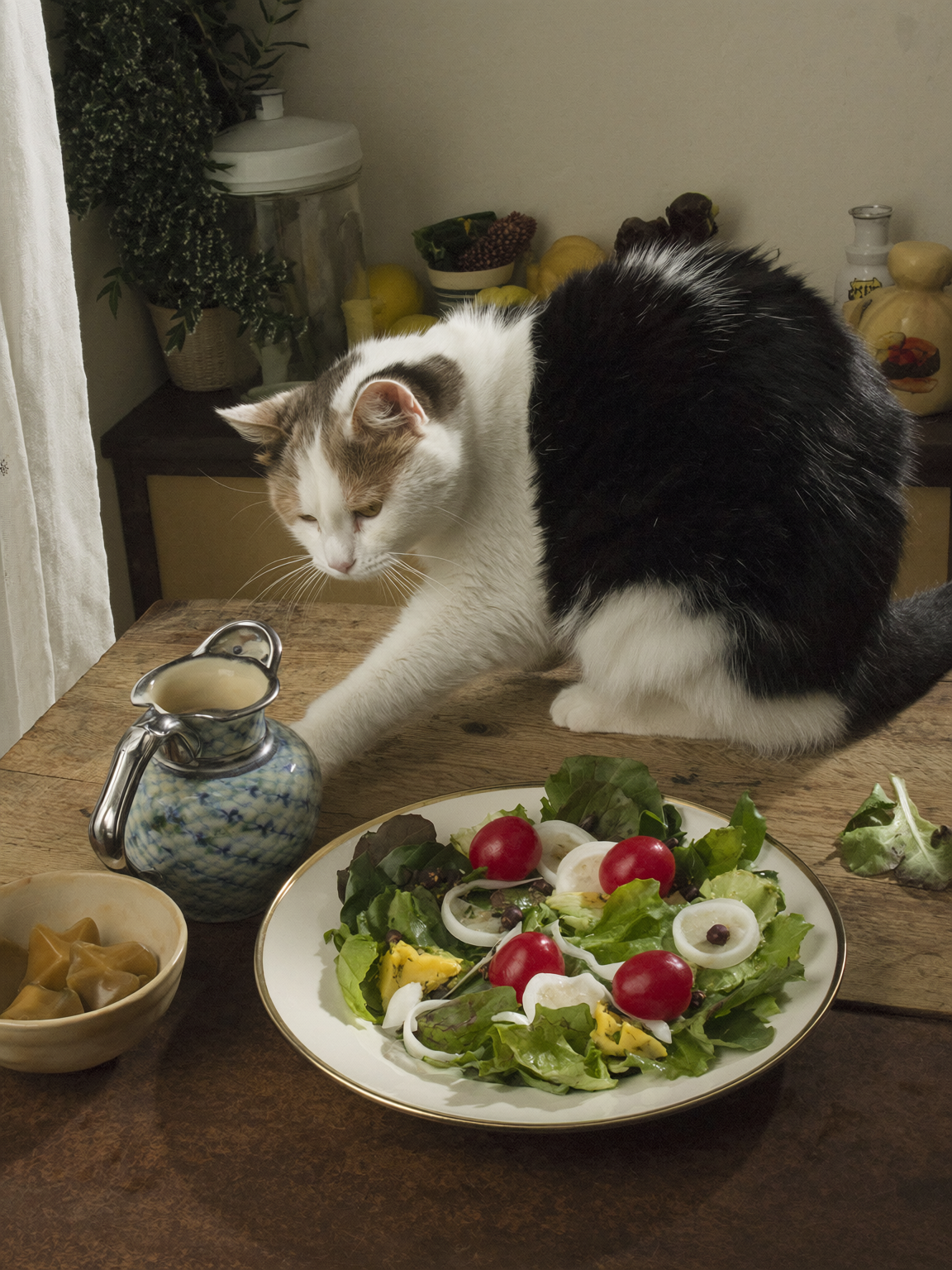 AI
AI REAL
REALAI images are dominating search results.
Flip the switch…to view what's real.
REALAIAIREALAIAIREALAIREALAIREALAIREALAIREALReal View hides AI-generated images across your browsing with a single toggle — so when you're hunting for real reference photos, you're not wading through a feed of synthetic ones.
REALAIREALREALAIAI"When I'm hunting for real references, real recipes, real anything, so much of what comes back is AI-generated. I just need a way to switch to a real view of things."
No single trick catches everything — so Real View runs a stack of checks, lightest first, and only reaches for the heavier one when it has to.
You'll see this in the corner of the page while it works. Most pages resolve in a second or two — a big, image-heavy page just takes a beat longer. Nothing's frozen, it's working through what's actually on screen.
Reads embedded generator tags left in the file itself, and cross-references the image's source domain against a huge, refreshable list of known AI platforms. Near-instant, and costs nothing.
no setup · always onWhen metadata and domain give no answer, an ML model examines the actual pixels — right there in your browser. Nothing is ever uploaded or sent anywhere. In our own testing it calls roughly 84% of images correctly — not perfect, and it stays quiet rather than guess when unsure.
opt-in · privateRight-click any image to flag a miss or fix a false positive. Your corrections are remembered instantly, for you — no waiting on anyone else.
personal · instantGoogle Images, Bing and DuckDuckGo hide an image's true source behind their own proxies — Real View resolves it anyway. Pinterest gets its own dedicated hook.
Hunting for real photographic reference — lighting, texture, an actual pose — for illustration, concept art or photography, without forty AI renders in the way.
Checking whether a product shot, recipe photo, listing image or news photo is an actual photograph before you trust it, cook it, or buy it.
Cleaning up Pinterest boards and Google Image feeds that have quietly filled up with synthetic content over the last couple of years.
Choose whether AI images get softly blurred (click to reveal) or disappear from the page completely.
Google Images, Bing, DuckDuckGo and Pinterest are all specifically supported, resolving true source links these sites hide by default.
The visual model runs entirely on-device via WebAssembly. Your images never leave your machine — there is no server to send them to.
Photos from known real-photo sources — Unsplash, Getty, press wires — get a quiet confirmation outline, not just AI images a warning.
A quiet on-page indicator shows exactly what's being checked right now — never a silent black box.
Built and maintained solo — no company, no premium upsell waiting behind a paywall. If it saves you the scroll, a coffee or a GitHub Sponsors pledge goes a long way.
The visual classifier runs as WebAssembly inside your browser, in a document Chrome keeps alive just for this. No image, no URL, no browsing history — none of it touches a server. Not ours; there isn't one.